Generate images from a prompt
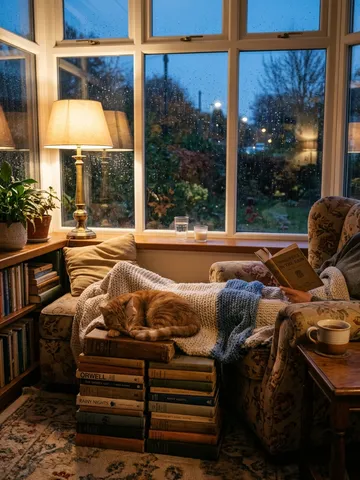
Describe a picture and get up to 4 takes on it at once. Use them as thumbnails, references for Studio videos, or illustrations.


How it works
Describe the picture
The subject, the setting, the light and the style.
Pick a model
Choose from models such as Nano Banana, GPT Image and Seedream, and the size.
Choose your favourite
Get up to 4 takes and download the one you like.
Several takes, one prompt
Image models rarely nail a picture first time. Asking for several takes at once lets you compare and keep the best, instead of retrying one at a time. The price per image shows before you make them.
Pictures follow Kixy's content rules: no real people and nothing sexual or violent.
Pictures that feed your videos
Use an image as a thumbnail for a clip, or as a reference when you make a Studio video so the look stays consistent across a series.
Made for creators
Make a thumbnail for a clip, a still for a coloring-book cover idea, a character sheet for a kids' series, or a scene to animate later in Studio. Images, videos and books all use the same credits, so there is no second subscription to manage. You can also ask the Wizard, or make images from Claude or ChatGPT once Kixy is connected.
Questions
How many images do I get?
Up to 4 per prompt.
Which models can I use?
Several, including Nano Banana, GPT Image and Seedream. Each shows its price before you start.
Can I make pictures of real people?
No. Pictures follow Kixy's content rules, which refuse real people.
Do images need a separate plan?
No. Images use the same credits as clips, Studio videos and coloring books, and each model shows its price per image before you make them.
Can I turn an image into a video?
Yes. Attach it as a reference when you make a Studio video, so the video keeps its look.
More from Kixy
- KDP coloring book makerType a theme and Kixy draws a whole coloring book of black-and-white line-art pages for Amazon KDP: 10, 20, 30 or 50 pages, for kids or adults.
- AI found footage video generatorGive Kixy a premise and it writes, voices and films a 30 or 45 second found-footage story as doorbell, CCTV or bodycam video, with captions.
- AI security camera video generatorDescribe a moment and Kixy Studio films it as security camera or doorbell footage: a fixed lens, grainy picture, night infrared and tinny sound.
- Caption removerRemove burned-in captions or subtitles from a video: draw a box over the text and Kixy paints it out.