Make a coloring book for Amazon KDP
Type one theme. Kixy plans a different subject for every page, draws each as clean black-and-white line art, and gives you the pages in one zip.
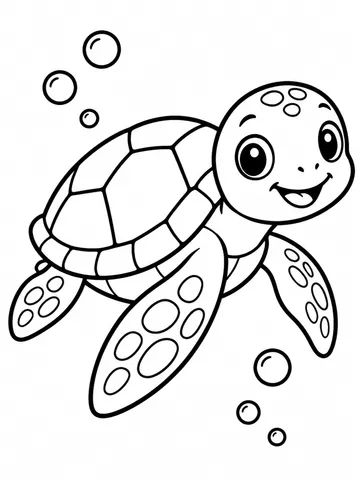
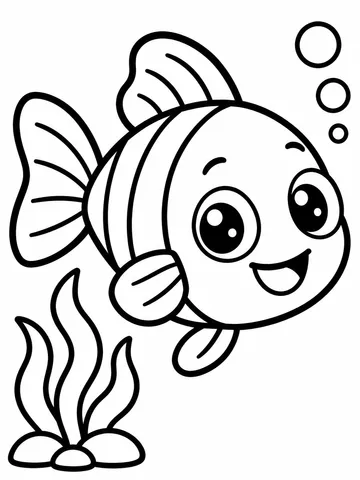
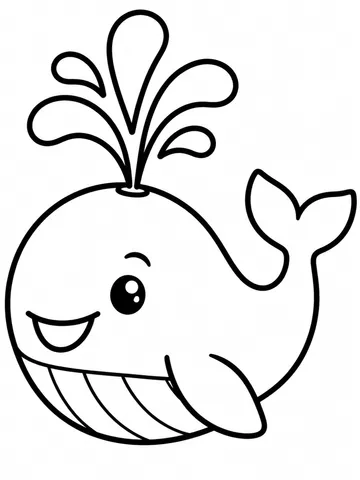
How it works
Give a theme
A few words or a sentence, plus kids or adults.
Pick the page count
10, 20, 30 or 50 pages. A 10-page book is 35 credits.
Download and lay out
Get every page in one zip, then place them in a PDF at your KDP trim size.
Clean pages, ready to print
Each page is pure black outlines on white: no grey, no shading, no text, filling a portrait page with a small margin. Kids' books get thick, bold lines and big open shapes; adults' books get finer lines and detailed patterns.
Kixy plans the book before drawing it, so every page has its own subject and none repeat. To steer it, list the subjects you want in the theme.
From theme to KDP
Check every page, lay them out one per sheet at your trim size, add a title page and upload with your cover. KDP asks whether a book has AI-generated content; these pages do, so say so.
Themes that make good books
Specific themes with a clear buyer do best: dinosaurs for preschoolers, mandala flowers for adults, cosy cafés, sea creatures, farm animals, space for early readers. Test a theme with a short book first, check the pages, then make the full one. You can also make books from Claude or ChatGPT once Kixy is connected.
Questions
How many pages can a book have?
10, 20, 30 or 50 pages.
Is it for kids or adults?
Either. Choose the audience and Kixy matches the line weight and detail to it.
What do I download?
A zip of high-resolution page images, one per page. You lay them out into a PDF for KDP.
Can I use famous characters?
No. Themes follow Kixy's content rules: no real people, trademarked characters or brands.
More from Kixy
- Kids cartoon makerDescribe a scene and Kixy Studio makes a bright 3D cartoon with its own music, 5 to 30 seconds, vertical, with kid-safe content rules.
- AI image generatorDescribe a picture and Kixy makes up to 4 takes on it, from top image models.
- Nursery rhyme video makerType a little song idea and Kixy Studio makes a bright toddler cartoon set to an original nursery rhyme, with ukulele, xylophone and claps.
- GuideHow to make a coloring book for Amazon KDP with AI